

Hey friends! If you’ve been dreaming of starting your own business, I have some great news: setting up a Shopify store is much easier than you might think. You don’t need to be a coding wizard to build a beautiful online home for your brand.
Ready to make your move? Let’s jump straight into the steps to get you from “idea” to “open for business.”
1. Create Your Shopify Account
The journey begins at Shopify.com
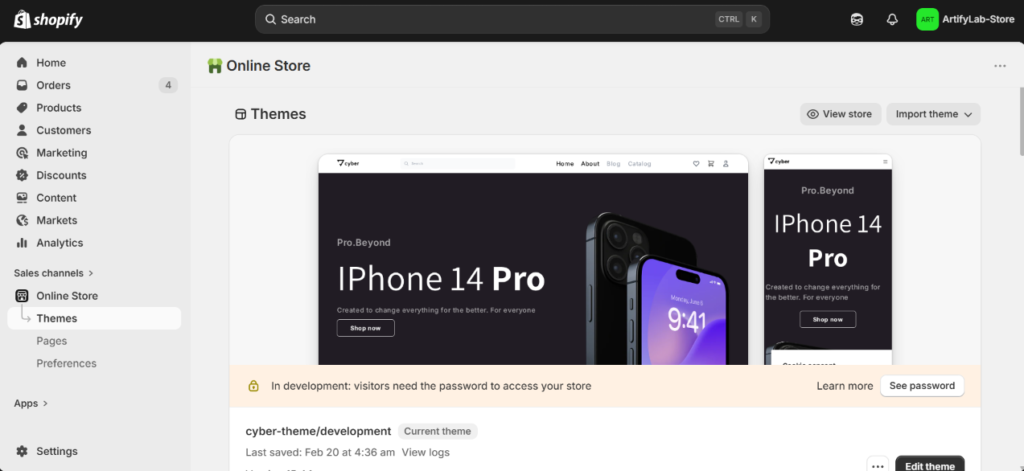
Shopify often offers fantastic trial periods or “first month for $1” deals, so keep an eye out for those! Once you enter your email and fill out the basic details about your business goals, you’ll be whisked away to the Shopify Dashboard. This is your mission control center.
2. Bring Your Products to Life
Now for the fun part! What are you selling? Let’s imagine you’re opening a shoe store.
Visuals Matter: High-quality photos are your best salesperson. Since customers can’t touch the product, give them clear, crisp images from every angle.
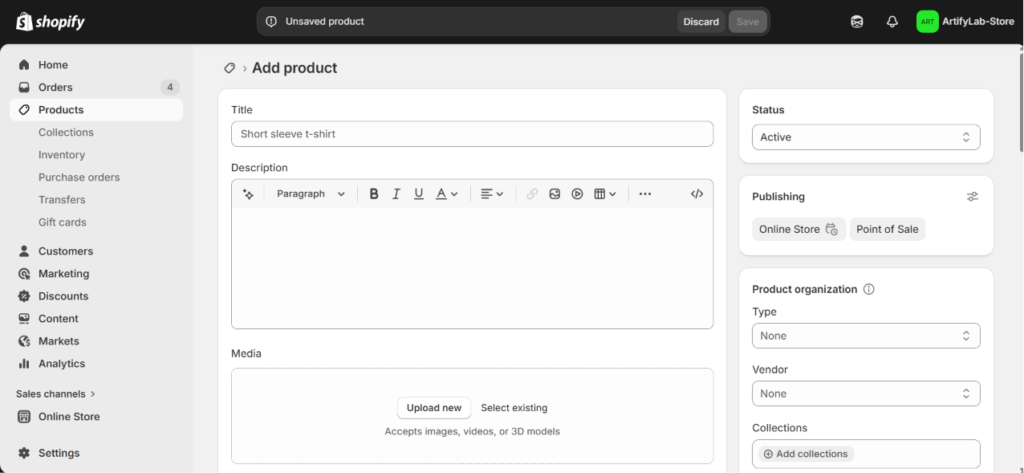
The Setup: Navigate to the Products menu. Here, you can upload your photos, write catchy descriptions, and set your prices.
Pro Tip: Use the Collections feature to group your items (like “Summer Sandals” or “Running Shoes”) to help your customers find exactly what they need.
If you need more detailed guidance, we also have a blog packed with A-to-Z tutorials on adding products, creating collections, setting up metafields, and much more. Feel free to explore the articles and learn step by step.
3. Design Your Digital Storefront (Theme Setup)
You want your store to look professional, right? Head over to Online Store > Themes.
The Look: You can start with a free theme (which are excellent for beginners) or invest in a premium theme for more advanced features.
The Feel: Click “Customize.” Shopify uses a friendly drag-and-drop editor. You can move sections around, change colors, and swap fonts until the site feels exactly like your brand.
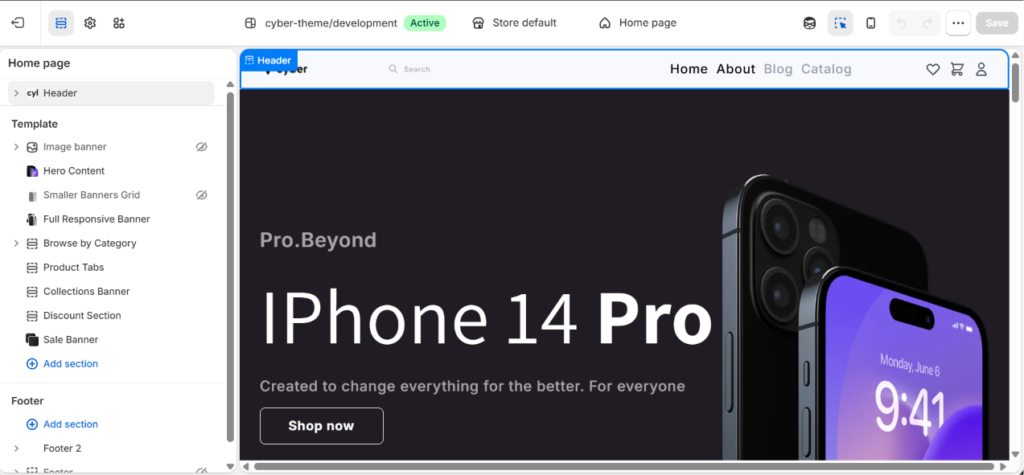
If you feel confused or need professional support with theme setup and customization, feel free to contact us. Our expert team specializes in building and customizing Shopify themes, and we’ll carefully handle everything to create a store that fits your business perfectly.
4. Claim Your Corner of the Internet (Domain)
Every business needs an address. Your Domain (e.g., [www.yourstore.com]) is how the world finds you.
In the Domains section of your settings, you can connect a domain you already own or buy a brand-new one directly through Shopify to keep things simple.
5. Perfect Your Logistics (Shipping & Payments)
efore you can take your first order, you need to handle the “behind-the-scenes” details:
Shipping: Under Settings > Shipping and Delivery, set up how your products will reach customers. Whether you use DHL Express, local couriers, or custom delivery methods, Shopify lets you create flat shipping rates or real-time calculated shipping options based on your needs.
Payments: Head to Settings > Payments to connect your payment methods. Shopify supports Shopify Payments, PayPal, and many trusted third-party payment providers.This ensures your customers can pay securely, and the money is safely transferred to your bank account.
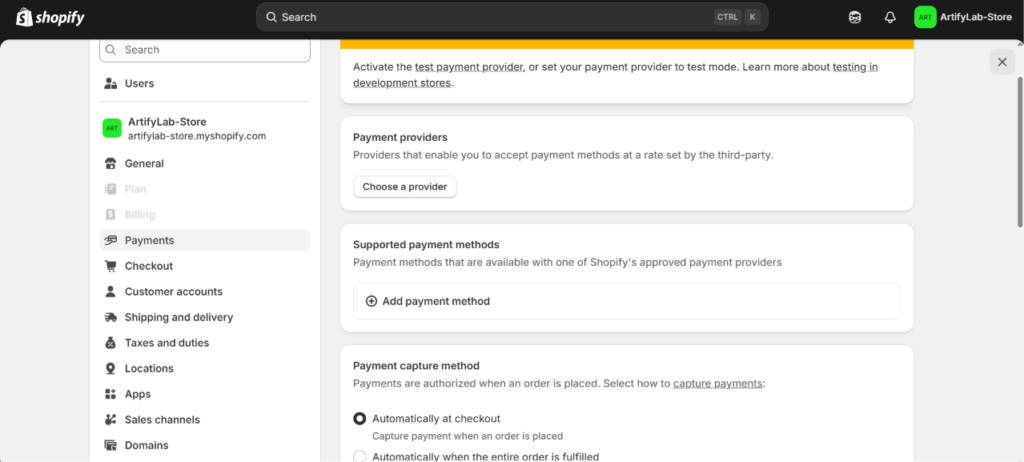
If you need help choosing or setting up a Shipping and payment gateway, our team is here to assist you.
6. Power Up with Apps
Think of the Shopify App Store as a toolbox filled with over 8,000 powerful apps. Want to add a “Wishlist” feature, send automated “Thank You” emails, or improve SEO? There’s an app for almost everything.
The best part is that Shopify apps are easy to install and manage — no coding required. Both free and paid apps are available, so you can choose the perfect tools based on your business needs and budget.